
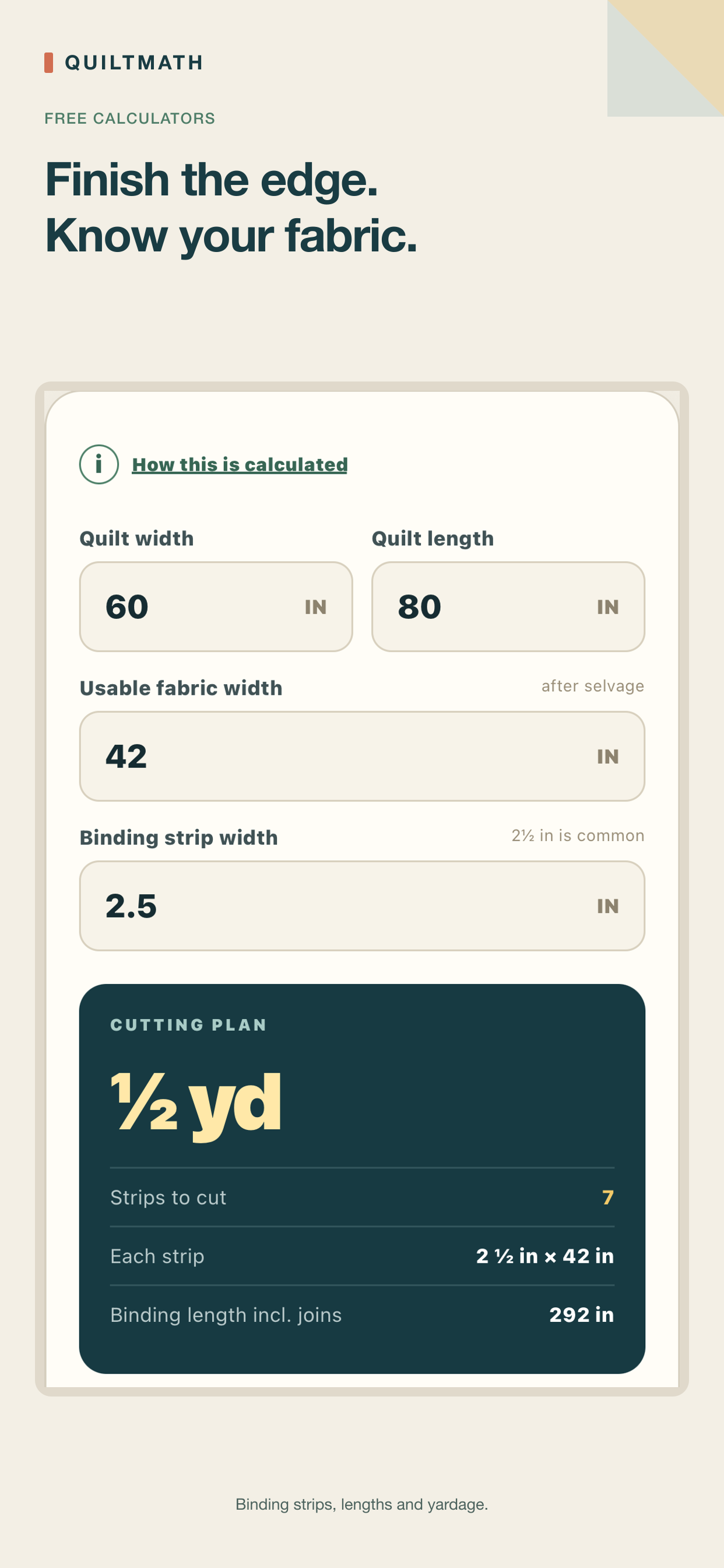
 QuiltMath · available on the App Store
QuiltMath
Quilt measurements into clear calculations and visual cutting plans. Twelve calculators for everyday and advanced workflows, plus a live quilt layout designer.
See QuiltMath →Broken Man Studios builds offline tools for makers and workshops. Current development focuses on iPhone and iPad, without app accounts, ads or tracking SDKs. Every result shows its assumptions, so you can double-check a plan before you buy materials. Feedback is always welcome.
Each app tackles one craft's math honestly, with a full page of its own — features, how the numbers work, and how to try it.
QuiltMath · available on the App Store
Quilt measurements into clear calculations and visual cutting plans. Twelve calculators for everyday and advanced workflows, plus a live quilt layout designer.
See QuiltMath →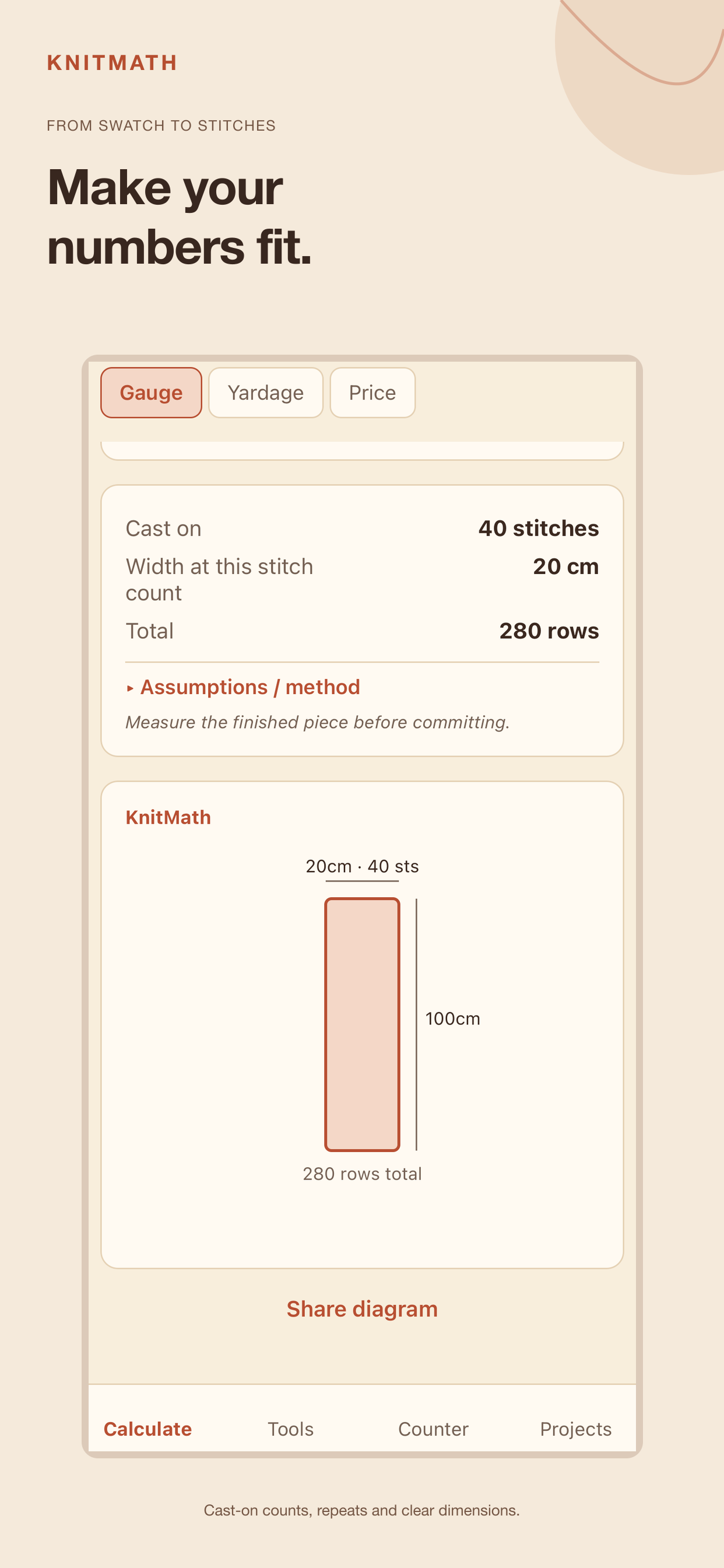 KnitMath · available on the App Store
A gauge swatch into cast-on stitches, yarn amounts with leftovers, and a handmade selling price — every assumption shown.
See KnitMath →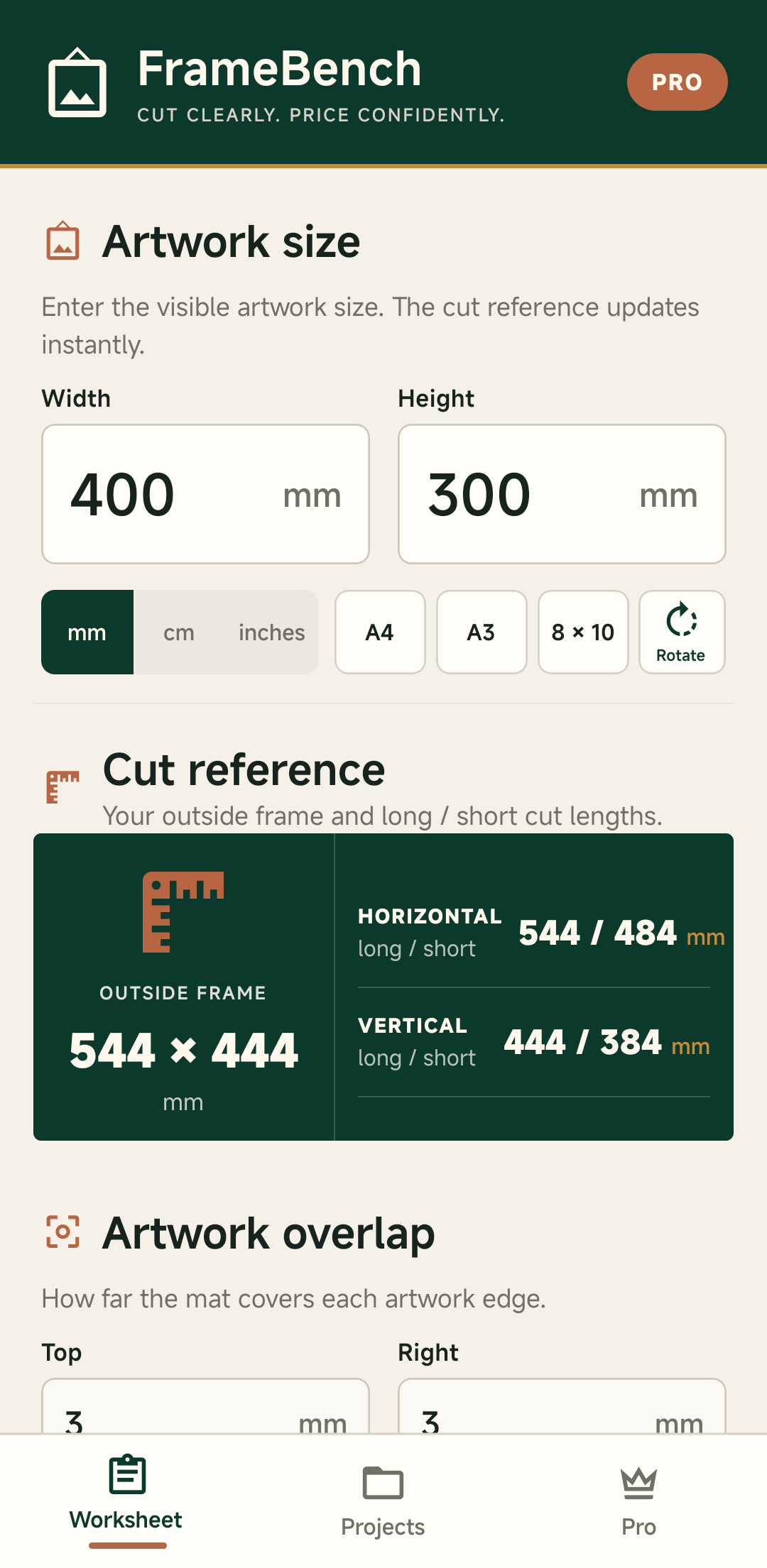 Android project · iOS assessment next
A cut worksheet, stock-stick estimate and price draft for independent picture framers, with a local PDF work order.
See FrameBench →Broken Man Studios is an independent studio run by one person, building offline apps with an iPhone and iPad focus for makers and small workshops.
Broken Man Studios is led by a solo creator, who builds and maintains every app in the lineup — currently QuiltMath, KnitMath and FrameBench, with iOS development prioritised.
Craft and workshop materials are expensive, and getting the math wrong mid-project is frustrating. Every app in the lineup shows its assumptions and rounds to practical purchase amounts, so you can double-check a plan before you buy.
Questions, bug reports and verification requests are welcome at contact@brokenmanstudios.com. You can also follow the studio on Facebook.
Short, factual notes about releases, testing and what is being built next, across every app.

Start with free gauge and counter tools, then explore the optional one-time Premium upgrade. QuiltMath is also available for iPhone and iPad.
Read the launch news →
Start with three free quilt calculators, then explore optional one-time Premium and Extra upgrades. KnitMath is also available for iPhone and iPad.
Read the launch news →
A third app joins the lineup: a cut worksheet, stock-stick estimate and price draft for independent framers, with a local PDF work order.
See FrameBench →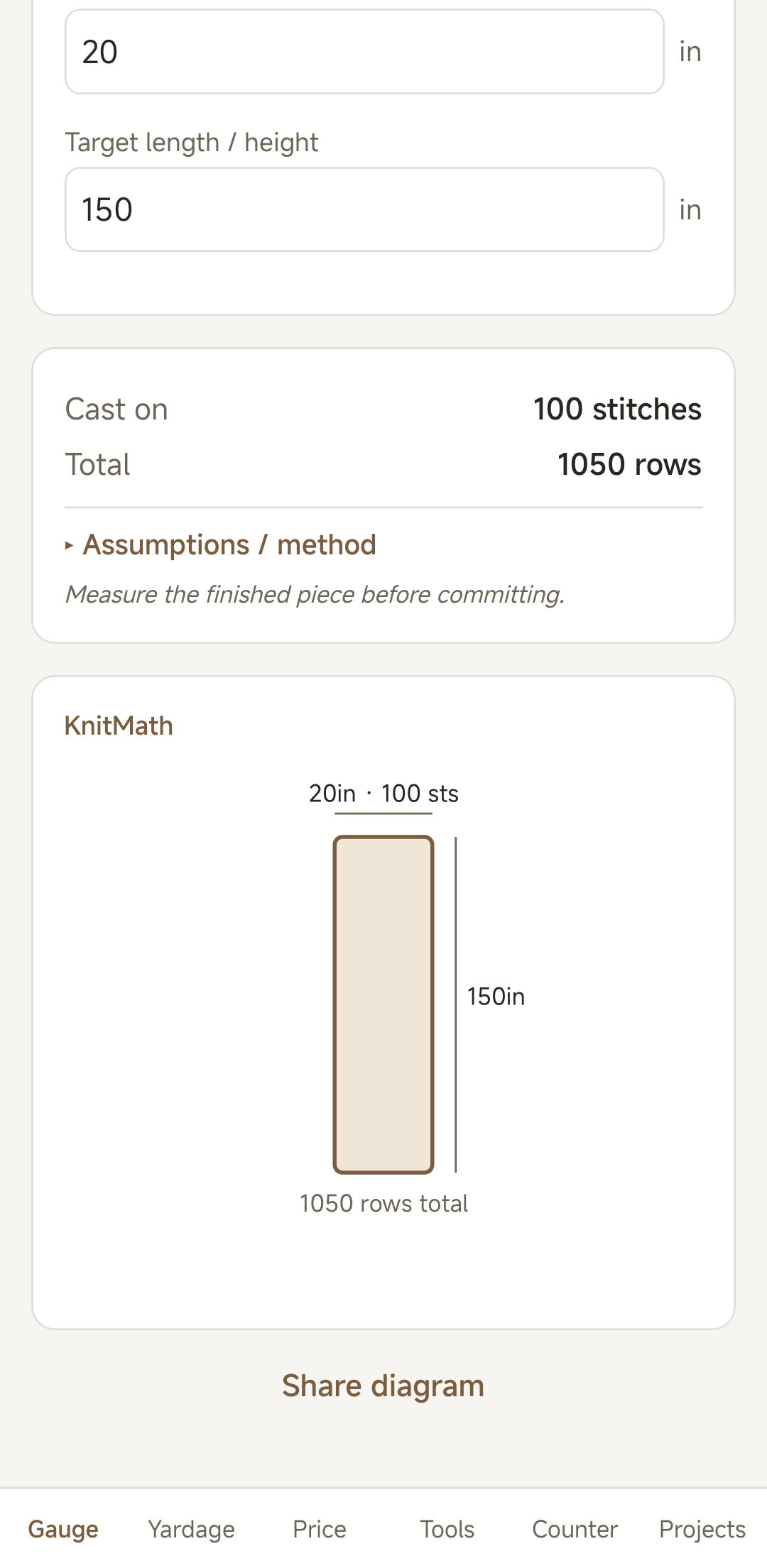
The first build turns a gauge swatch into cast-on stitches and rows, with a needle/hook size reference and a saved row counter — free, no account, no ads.
See KnitMath →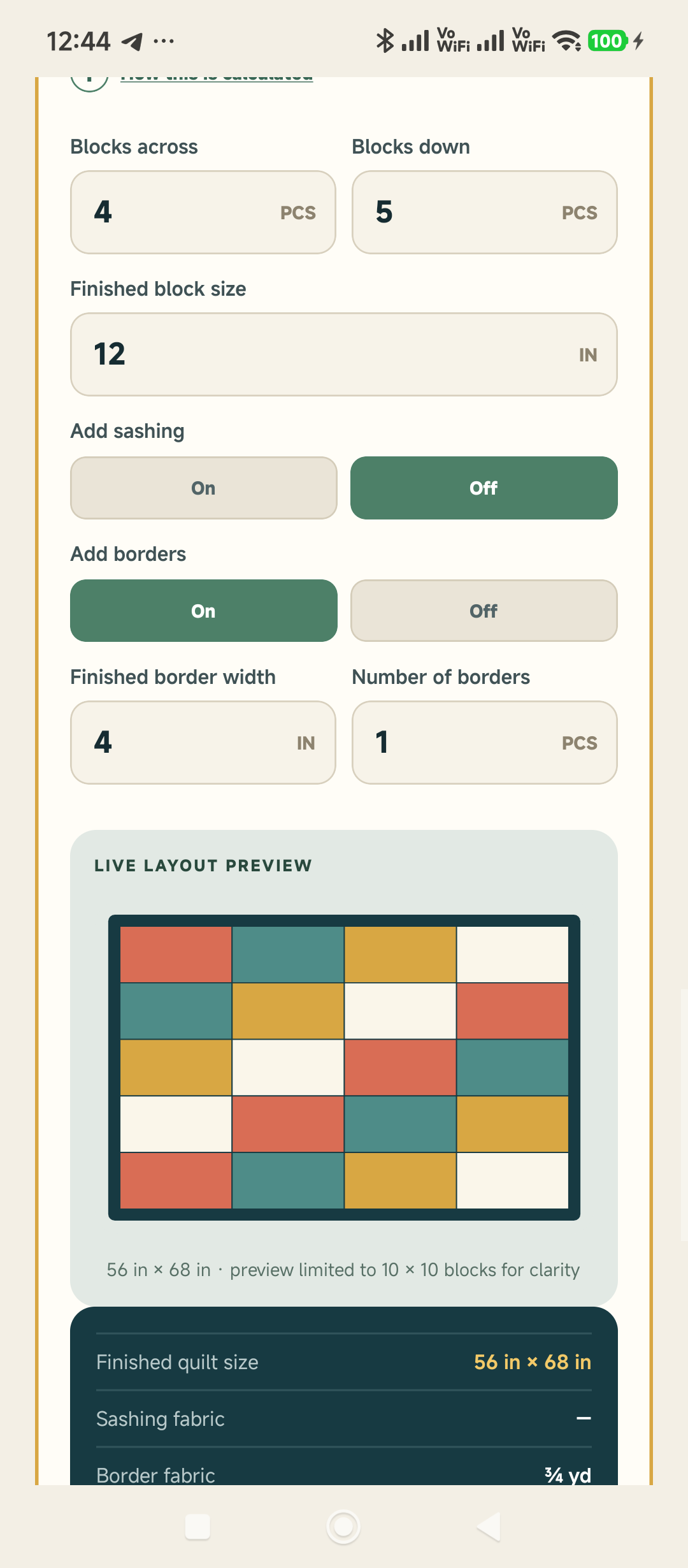
Four new Premium calculators bring the total to twelve. Extra adds a live Quilt Layout Designer that joins blocks, sashing, borders, backing and binding in one saved plan with PDF export.
See what changed →
The original Binding prototype grew into readable, offline diagrams for all twelve free and Premium calculators.
Read the design note →
A quiet place for project notes, release updates and visual progress from Broken Man Studios.
Meet the studio →Updated September 11, 2026. Our focus is dependable iPhone and iPad tools, tested on real devices.
Version 1.5.0 brings offline quilt calculations, visual previews and optional PDF export to iPhone and iPad. Get QuiltMath.
Gauge, yarn planning and a row counter for knitting projects, with optional Premium tools. Get KnitMath.
The Android workshop app is the starting point for a possible iOS version. No iOS release date or beta is announced.
Existing Android testing is separate from this iOS work. For availability or feedback, contact the studio.
Happy to answer anything — about an app, verification, testing, or feedback.