Yarn math you can trust — right on your phone.
KnitMath turns a gauge swatch into cast-on stitches, rows, yarn amounts with leftovers, and a handmade selling price — with every assumption shown, not hidden behind a single number.
What KnitMath does
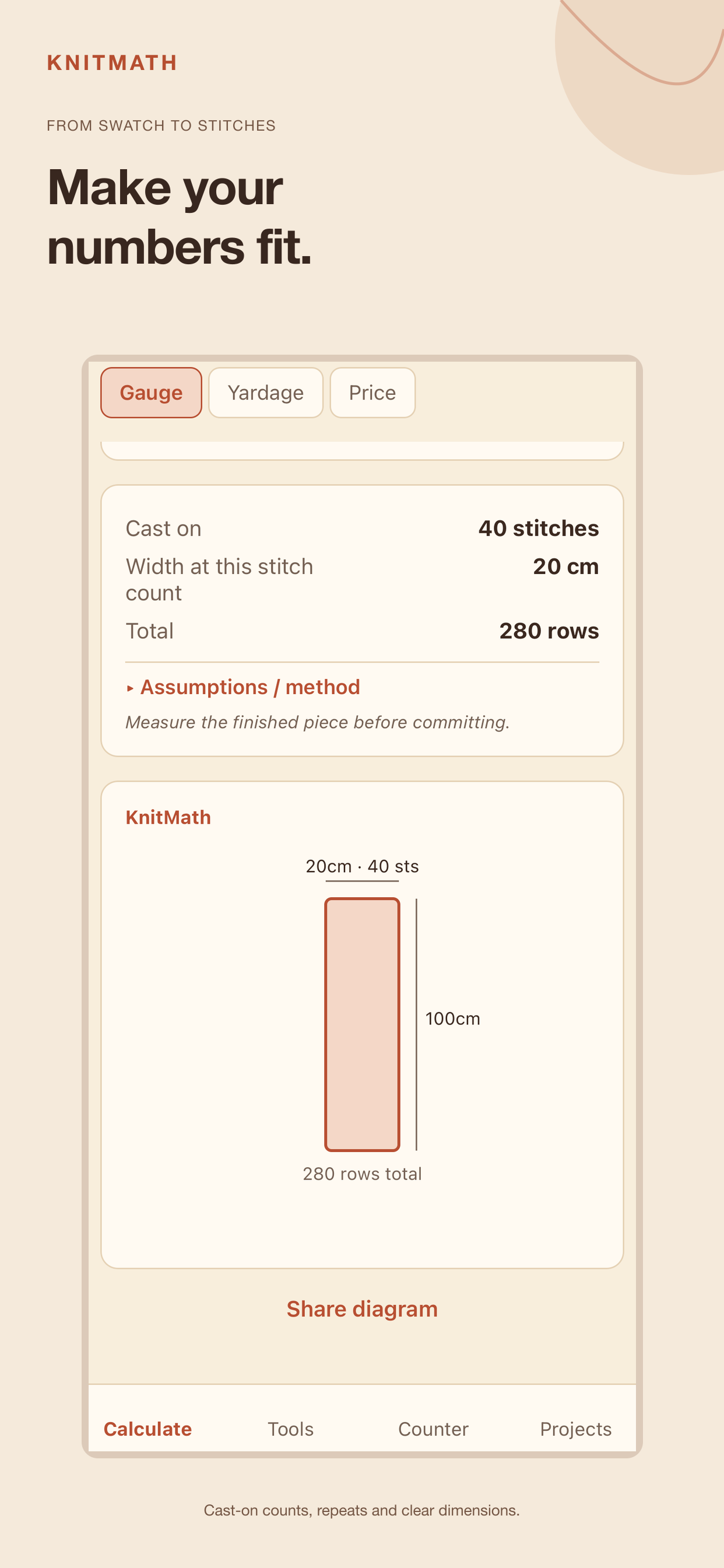
Plan a project with clear, offline gauge math. Switch between centimetres and inches, enter your swatch, and see cast-on stitches and rows with the assumptions shown.
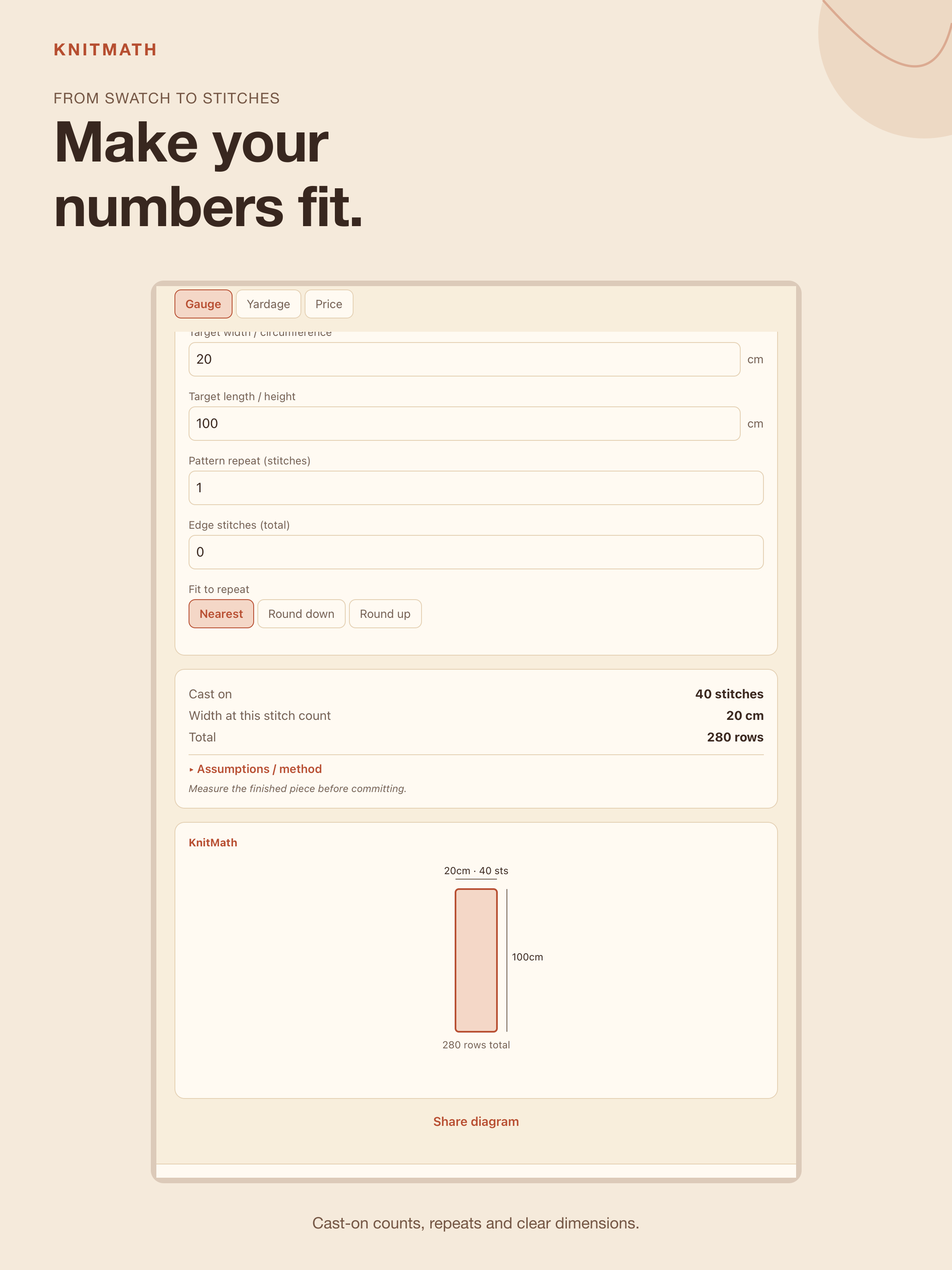
Gauge to size
Cast-on stitches and rows for a scarf, cowl, hat or blanket. The iOS version adds repeat and edge-stitch rounding, with the resulting width shown. Hat crown shaping is an approximation.
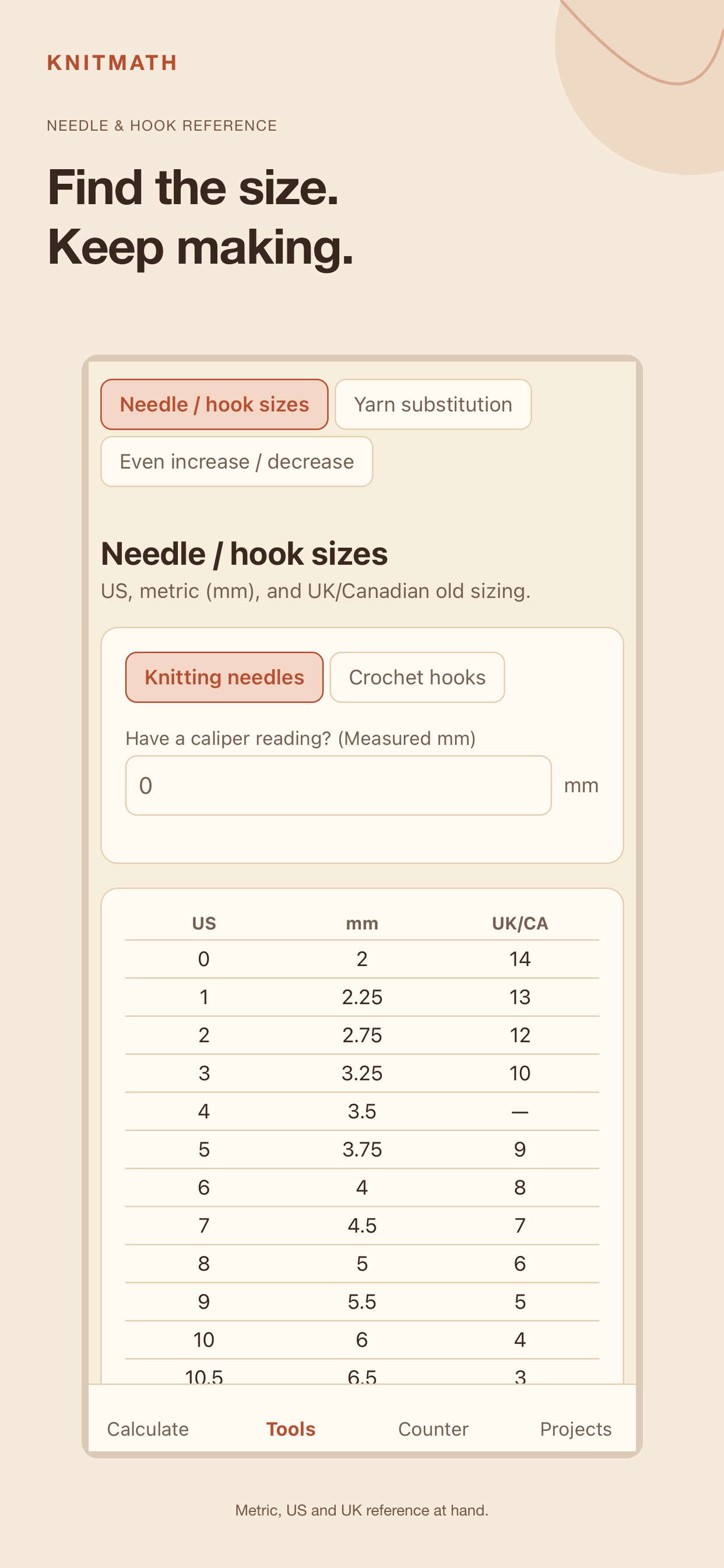
Needle & hook sizes
US, metric (mm) and UK/Canadian sizing reference for knitting needles and crochet hooks, with a closest-match lookup for a measured size.
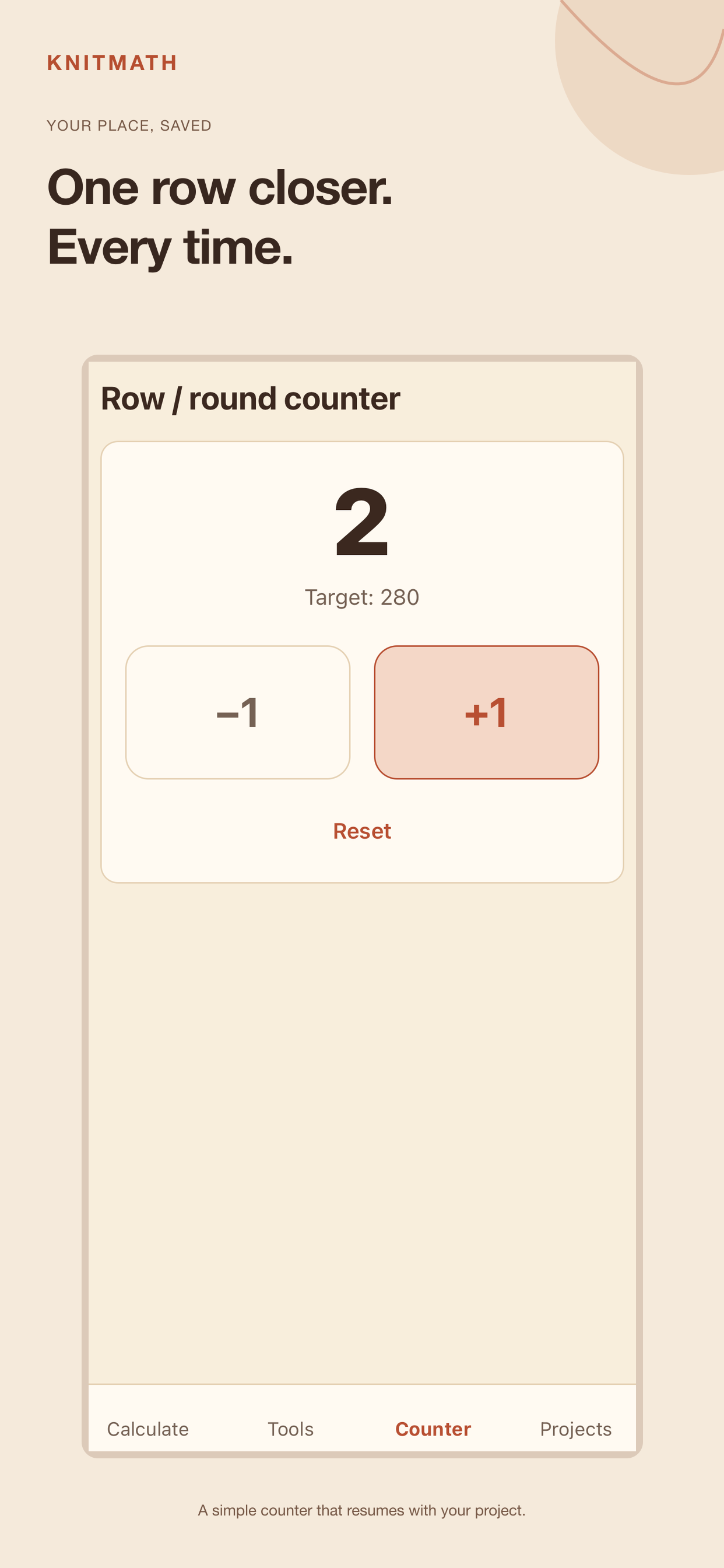
Row & round counter
A large-tap counter that saves with the project, with an optional target pulled from your gauge result.
Centimetres or inches
Switch units at any time — already-entered values convert with you, they don't just get relabeled.
1 saved project
Keep one saved project with yarn, needle and project notes. Your current draft and row counter resume between sessions on iOS.
No account, no ads, no analytics
Nothing to sign up for and nothing tracking you. Calculations happen entirely on your device.
★ Premium — one-time purchase, not a subscription
Yardage & skeins
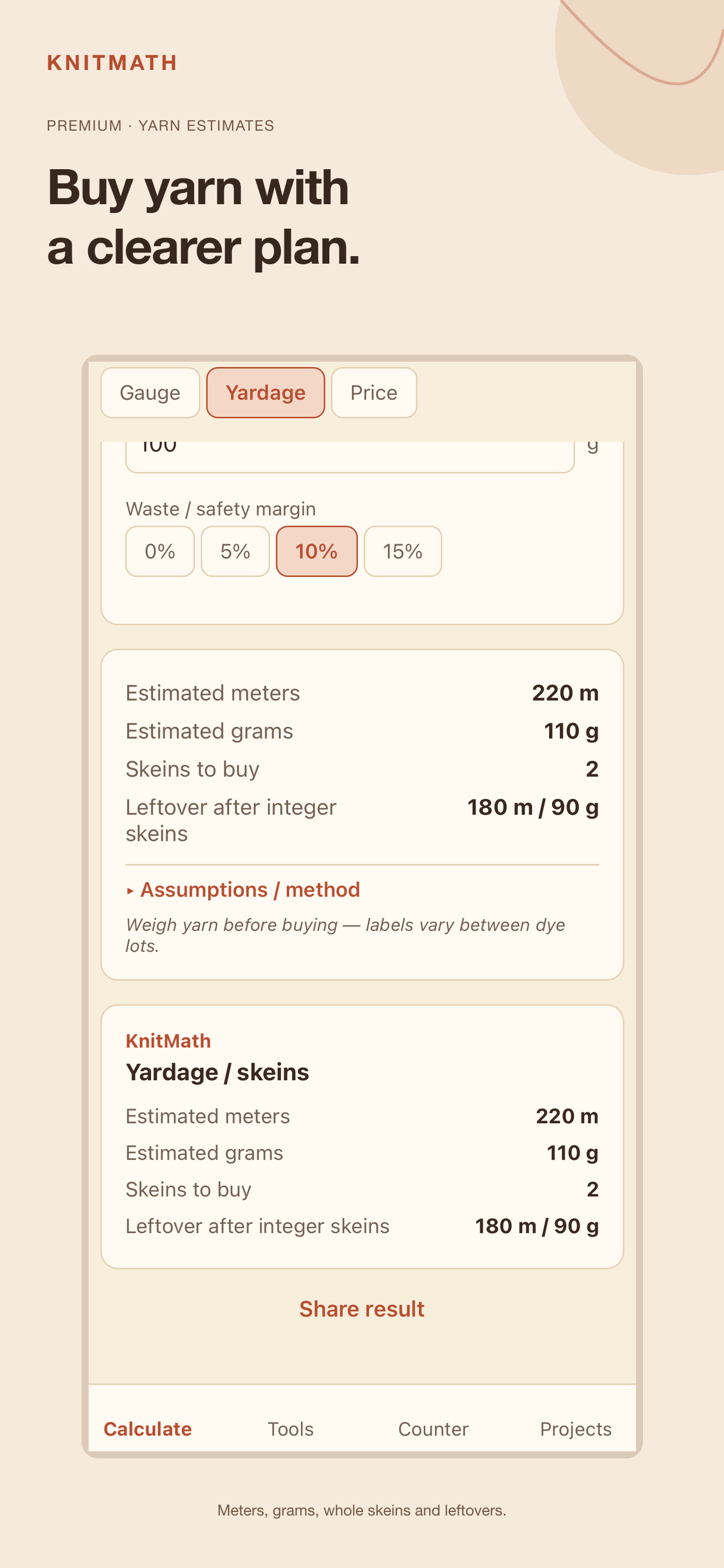
Weigh a swatch (or enter a pattern's meters) to get total yarn needed, skeins to buy, and leftovers after whole skeins.
Handmade price draft
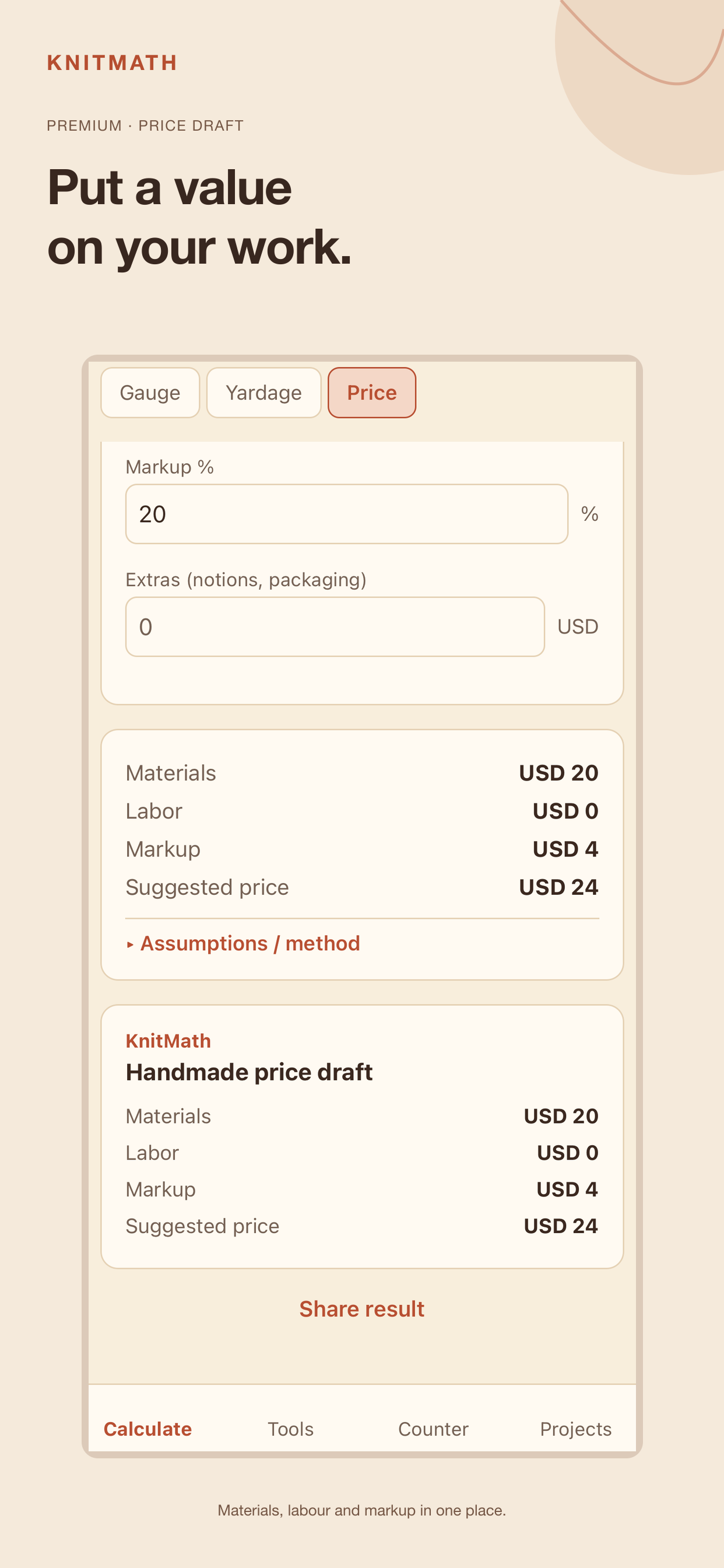
Combine yarn, labour, extras and markup in a price draft. The iOS version supports EUR, USD and GBP; this is not an invoice or tax advice.
Yarn substitution
Swap to a different skein size in the same yarn weight, and see how many you'll need — deliberately scoped to same-weight swaps, not a false promise across weights.
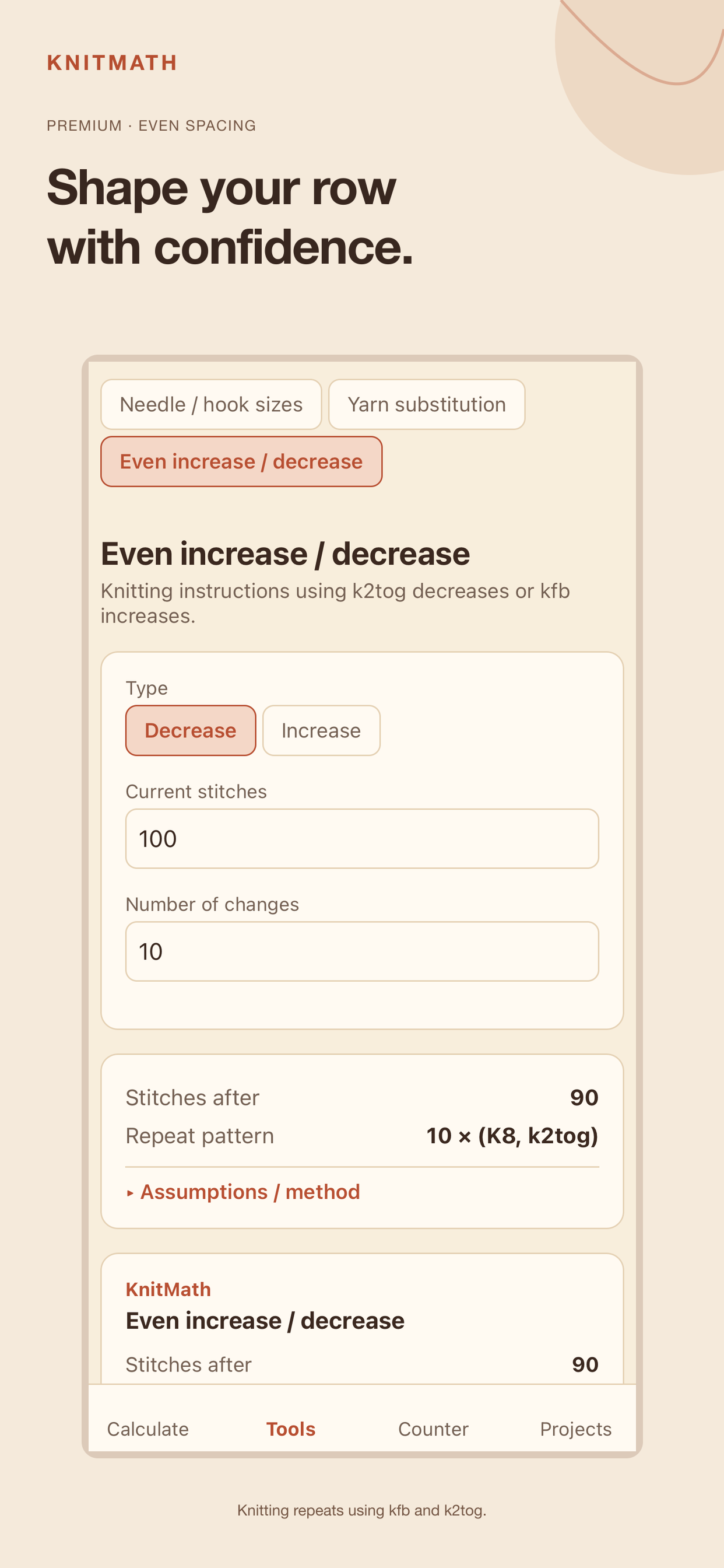
Even increase / decrease
Plan evenly spaced knitting increases and decreases with kfb and k2tog repeats.
Unlimited saved projects
Keep every project's full gauge, yardage and price inputs on-device, not just the last result.
Shareable result cards & PDF
Share a result card or export a project PDF with gauge, yarn and price estimates, notes and calculation assumptions.
How the numbers work
KnitMath shows a planning estimate, not a pattern-specific instruction. Here's what each calculator assumes, so you know what you're getting before you buy yarn.
Why weigh a swatch instead of trusting the label?
Yarn labels vary between dye lots and even between skeins. Weighing your actual swatch and scaling by area is the honest way to estimate yardage — KnitMath prefers it over a label-only guess.
Why does yarn substitution only work within the same weight?
Swapping to a different yarn weight changes your gauge, which changes total yardage needed — not just meters per skein. Even for a same-weight swap, knit a fresh swatch to check gauge before starting the project.
How is a hat's crown estimated?
The crown depth is approximated from the circumference, with the reduction clearly labeled as an approximation — not a full row-by-row shaping schematic.
Should I still double-check before casting on?
Yes — always measure your actual swatch, and verify the finished piece as you go, before buying all your yarn.
On iPhone and iPad
Explore KnitMath's iPhone and iPad interface. Premium tools are labelled. Select a screenshot to see it full size.
See the iPad layout
Available on the App Store
KnitMath 1.0.3 is available for iPhone and iPad running iOS or iPadOS 16.4 or later. Gauge, the row counter, the needle reference and one saved project are free; Premium is an optional one-time purchase.
Already upgraded? Use Restore purchase with the same Apple Account. Purchases and restoration need internet; calculations and PDF creation run on your device.