
How QuiltMath checks the math
A quilting calculator must show more than a number. It must make its construction method, rounding and limits understandable.
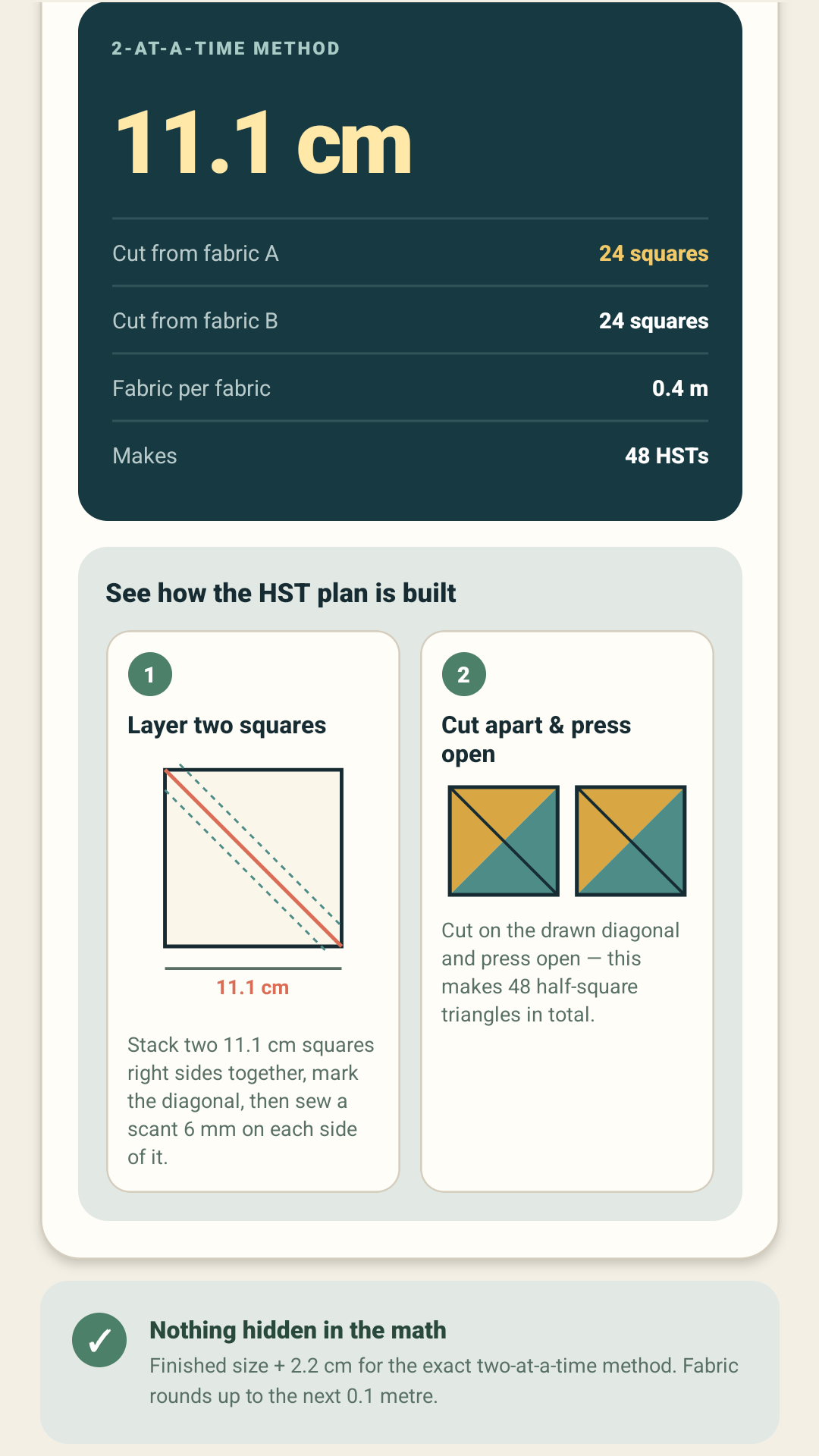
Logic first, interface second
The calculation functions are kept separate from the screen components. That makes it possible to verify the same formulas independently of buttons, typography or navigation.
Examples and edge cases
Automated checks cover representative calculator inputs, rounding boundaries, zero and invalid values, unit conversions and construction-specific requirements. PDF output is also checked to ensure it includes every supported calculator rather than only the currently visible screen.
Assumptions stay visible
Binding includes allowance for corners and joins. Fabric purchases round upward to practical increments. HST supports both exact and oversize-and-trim methods. Flying Geese validates the geometry expected by its four-at-a-time method. These choices are stated beside the relevant result.
Device review still matters
Automated checks cannot decide whether a label is easy to understand or whether a result is visually crowded. Release candidates are therefore reviewed on Android devices for layout, persistence, navigation and obvious calculation inconsistencies.
QuiltMath remains a planning tool: measure the finished quilt top, compare the result with the pattern and make a test unit before cutting all the fabric.